
Sidequery Cloud
Sidequery for your whole team.
Notes, SQL notebooks, spreadsheets and charts in your browser. Edit together in real time and connect your company's database.
Sidequery Cloud is invite-only for now. Your Mac and iPhone sign in to the same account.
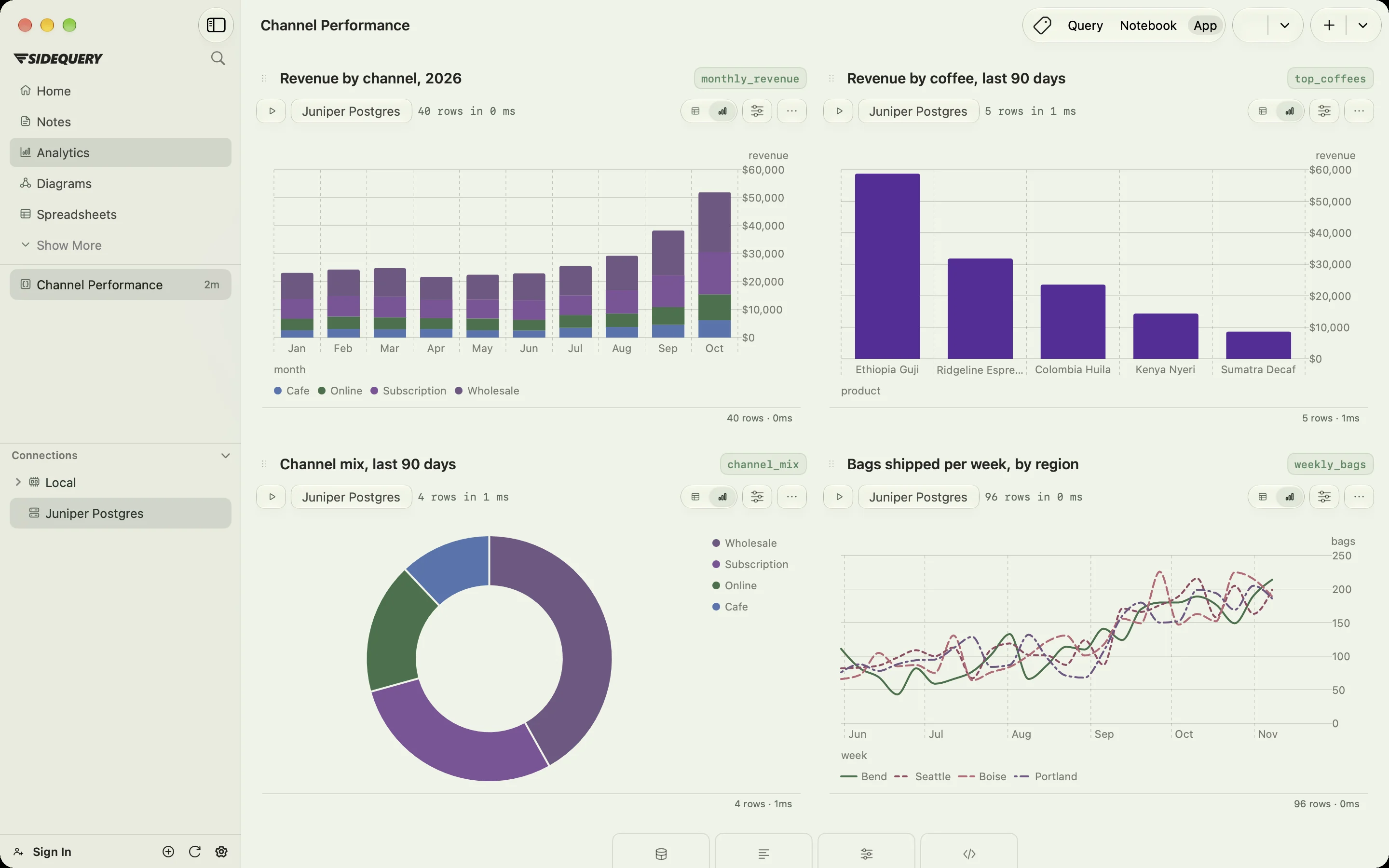
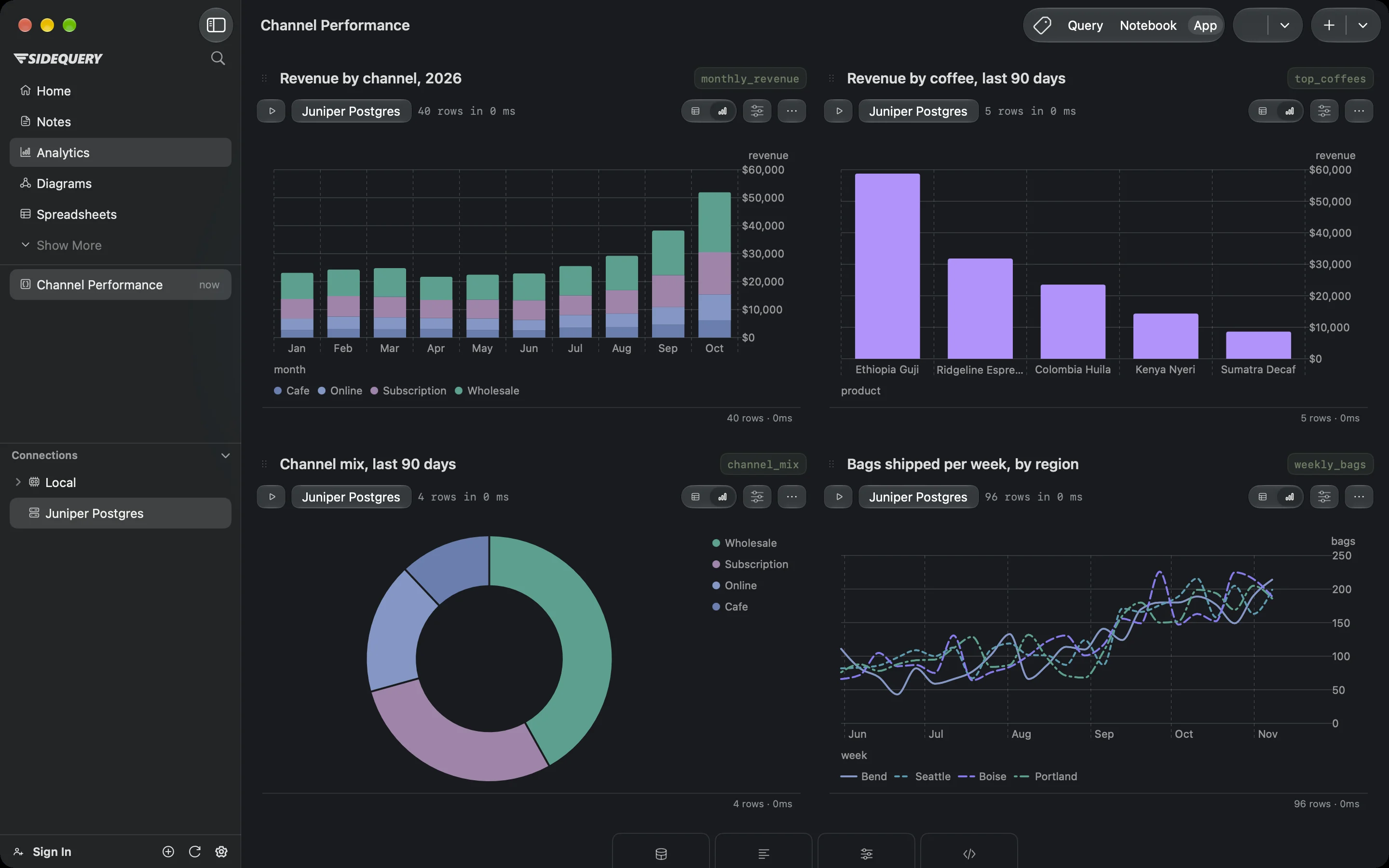
Work on it together
Everyone sees the same notes and numbers, and changes show up as they happen.
See who's in a note and where they're typing. Everyone's changes appear live.
Ask a question or flag a number right next to the text it's about.
Send a link to a notebook, or publish a page and choose who can open it.
Live editing works in the browser.
Connect your company's database
Build notebooks, spreadsheets and charts on live data. Queries run in the cloud, so there's nothing to set up on your computer.
- Postgres
- Snowflake
- BigQuery
- ClickHouse
- MotherDuck
- Athena
- Trino
Ask from Slack, ChatGPT or Claude
Mention Sidequery in Slack to get an answer and a chart from your connected data. Or connect Sidequery to ChatGPT or Claude and ask there.
FAQ
- Is Sidequery Cloud the same as the Mac app?
- It has the same kinds of documents: notes, SQL notebooks, spreadsheets and charts. Sidequery Cloud runs in your browser and is built for working with others. Your Mac and iPhone sign in to the same account.
- How do I get access?
- Sidequery Cloud is invite-only for now. Join the waitlist and we'll be in touch.
- What databases can I connect?
- Postgres, Snowflake, BigQuery, ClickHouse, MotherDuck, Athena and Trino.
- Is my data secure?
- We don't store your underlying data. Queries run in isolated environments and results are ephemeral. All data is AES-256 encrypted at rest and in transit.
- Who sees my work?
- Only you and the teammates you share with. We don't use your queries to train models.
- What is MCP?
- Model Context Protocol lets AI assistants like ChatGPT and Claude use external tools. Our MCP server gives them access to your data sources.