
Spreadsheets
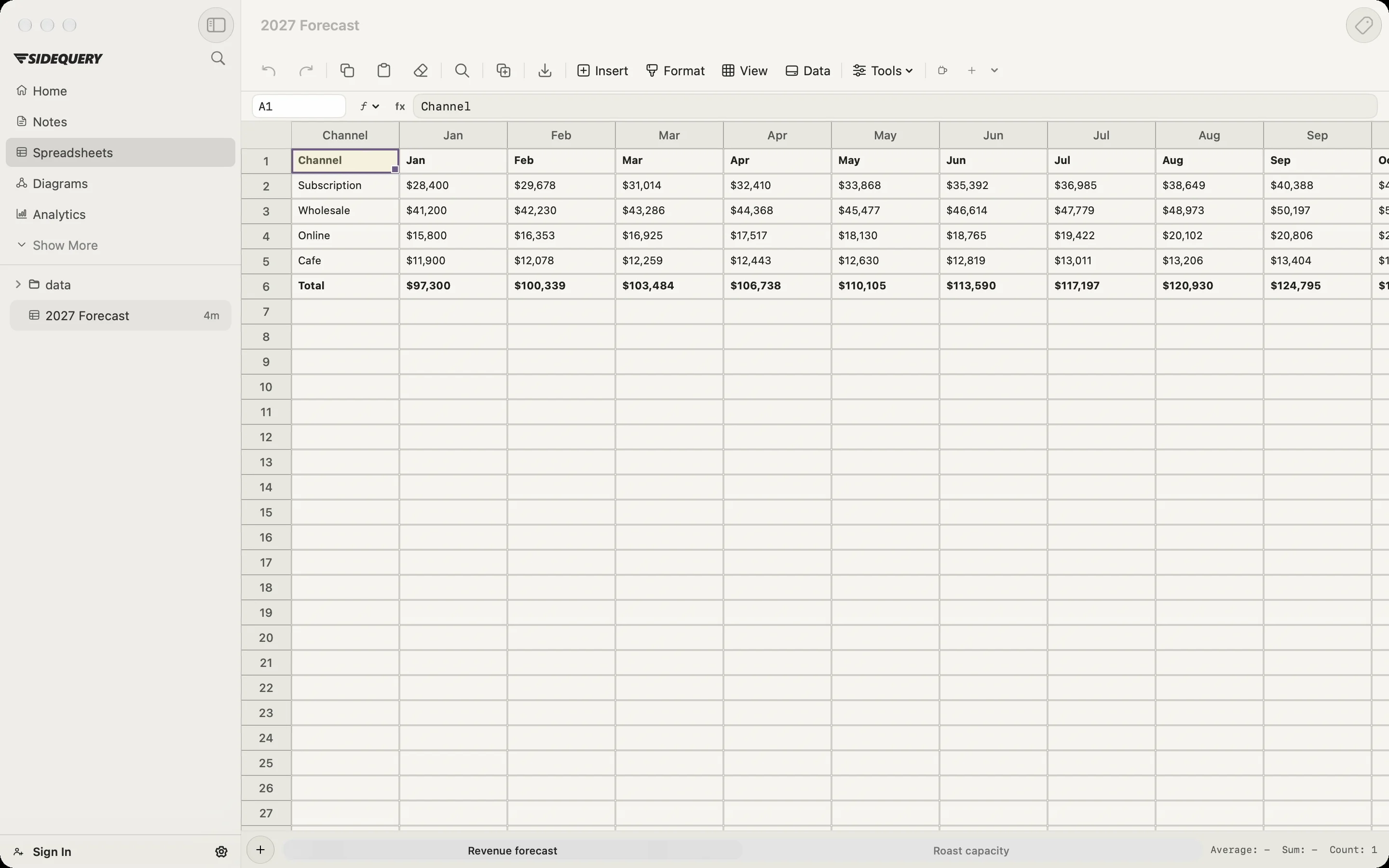
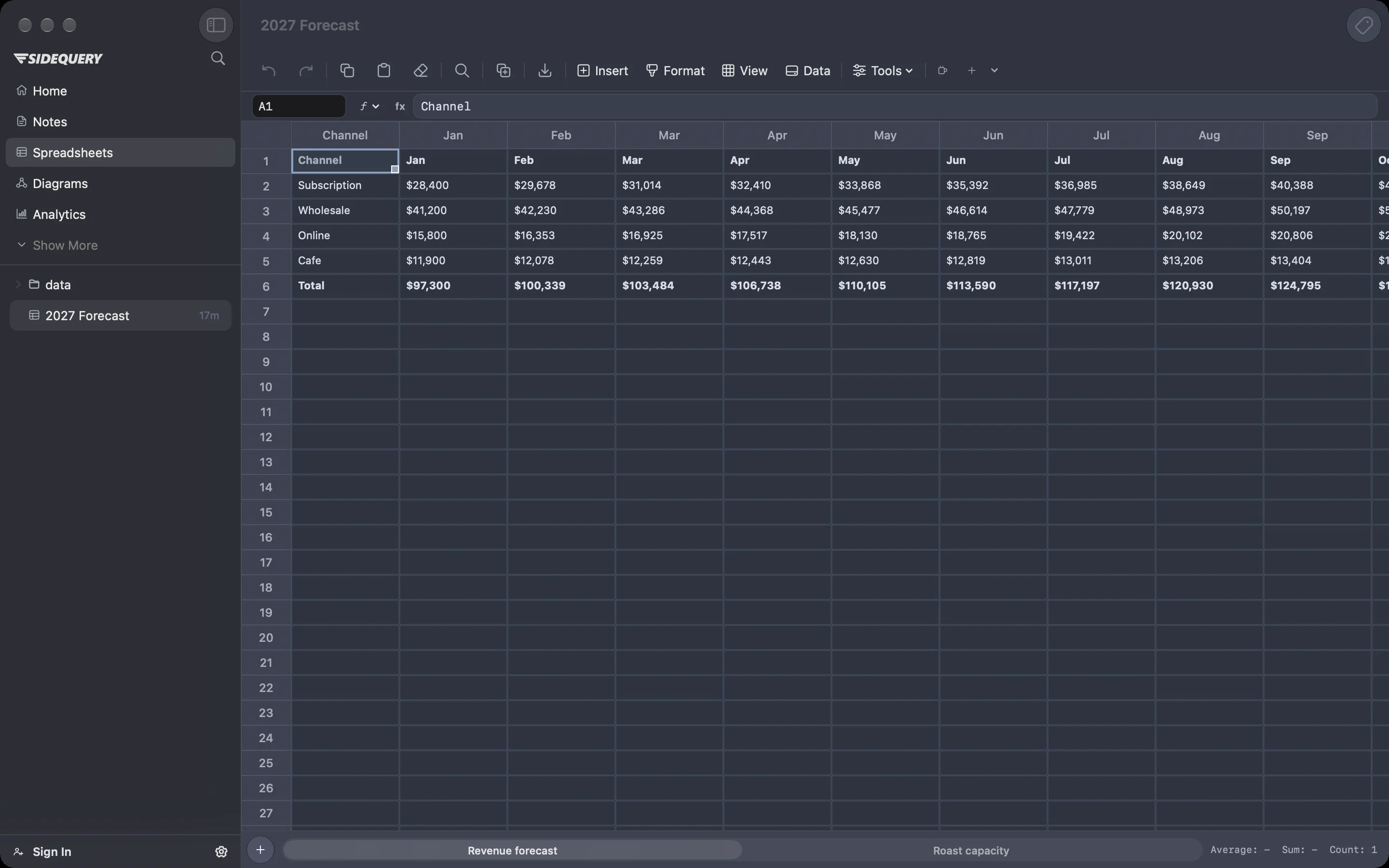
Open your spreadsheets and edit them here, formulas included. Changes save automatically.
Sidequery is a Mac app for notes, spreadsheets, charts, diagrams and meeting notes, all saved on your Mac.
Requires macOS 15 or later on a Mac with Apple silicon. iPhone and iPad apps are in beta.
Write notes with checklists, due dates and reminders. Link notes together and find anything with quick search.
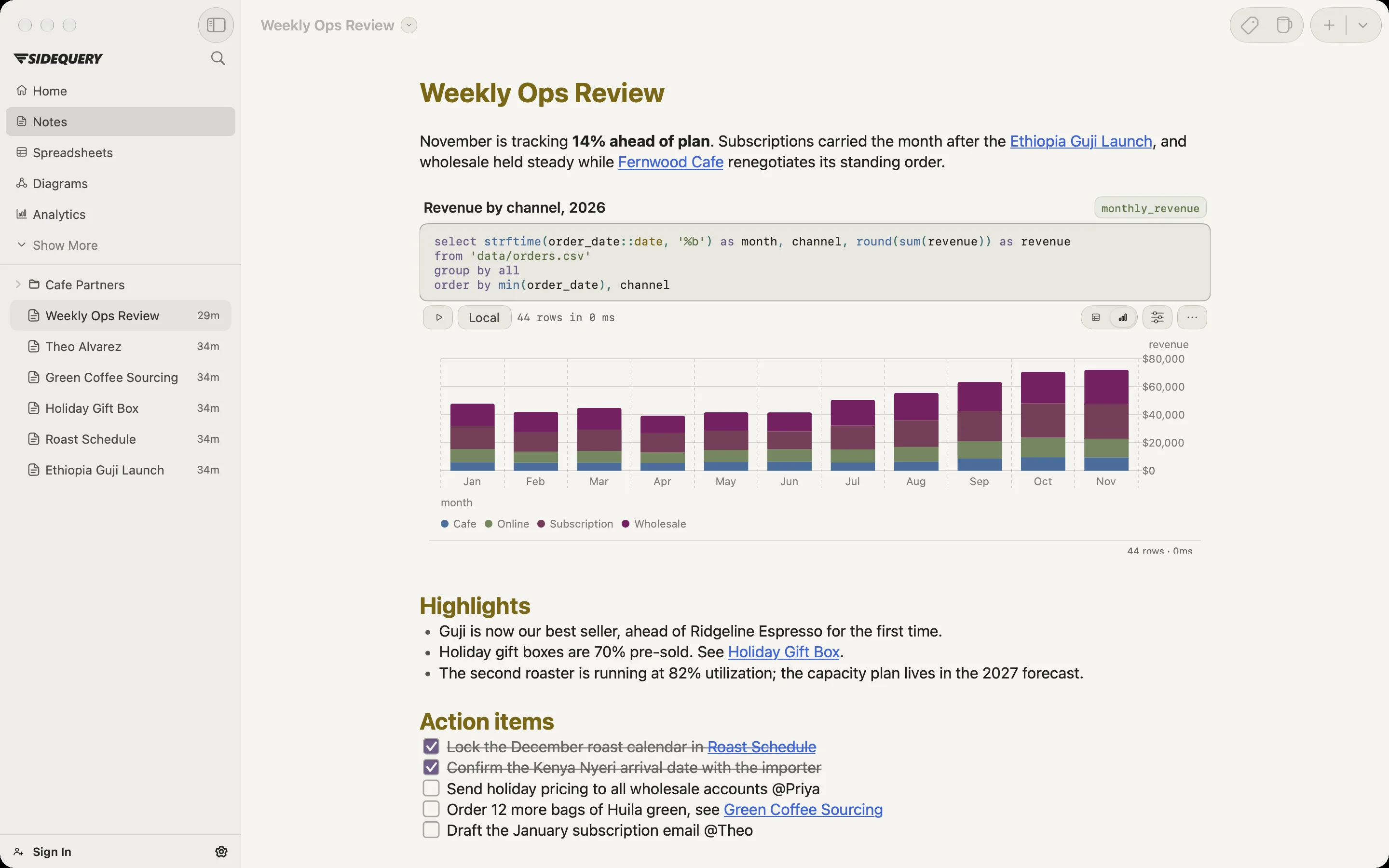
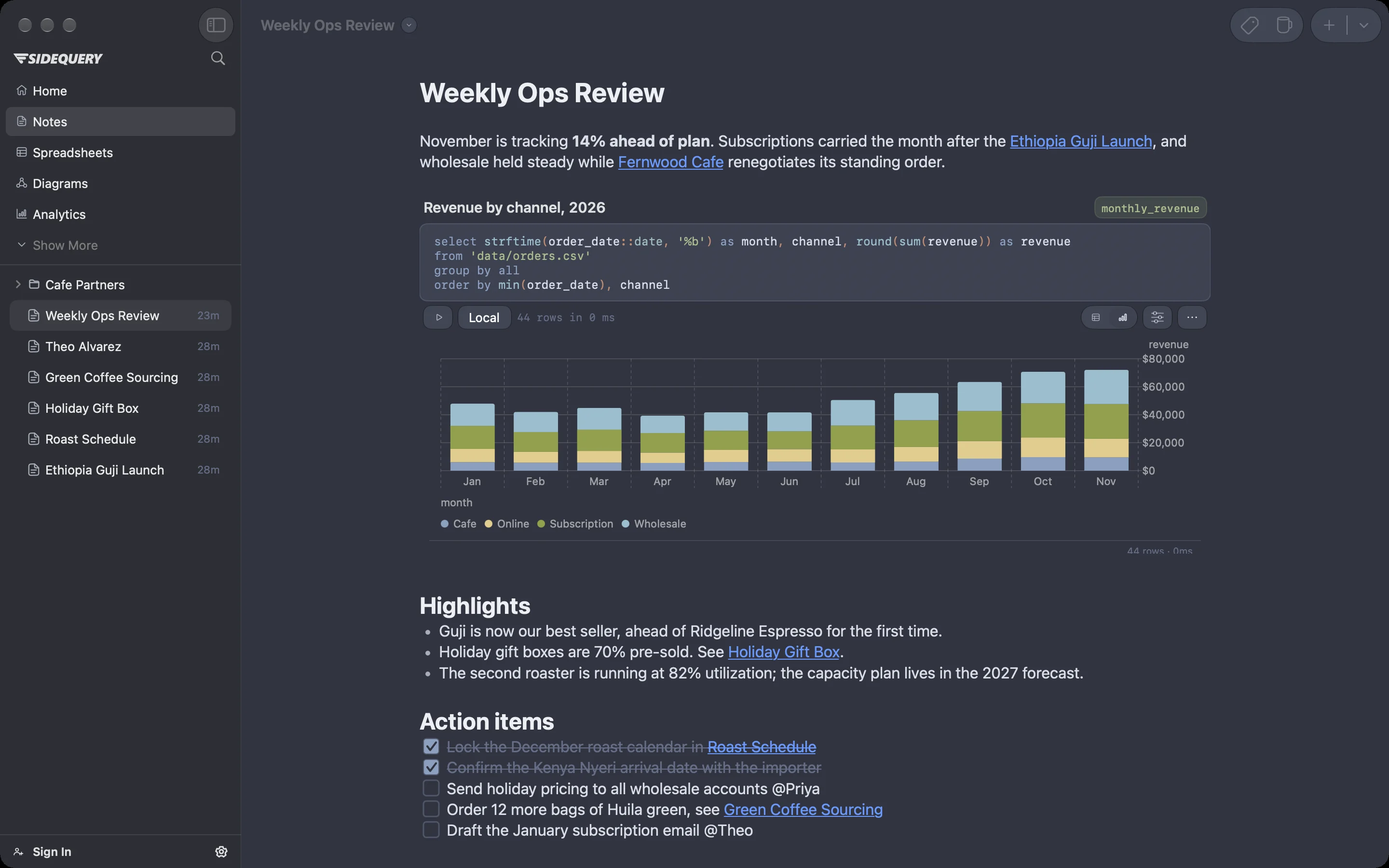
Connect a spreadsheet or your company’s database and turn the numbers into charts and dashboards that stay up to date. Put a chart inside a note, next to what it explains.
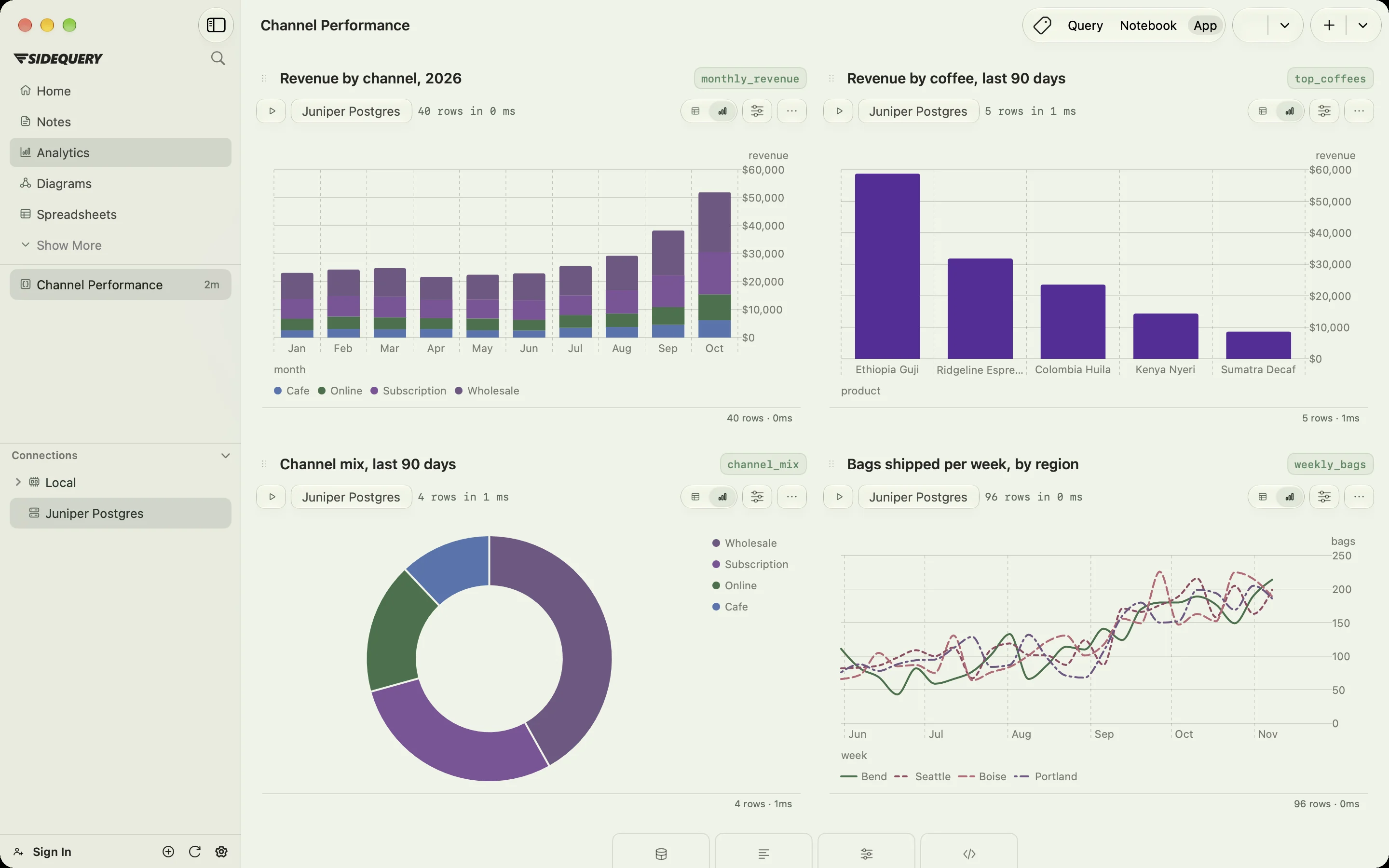
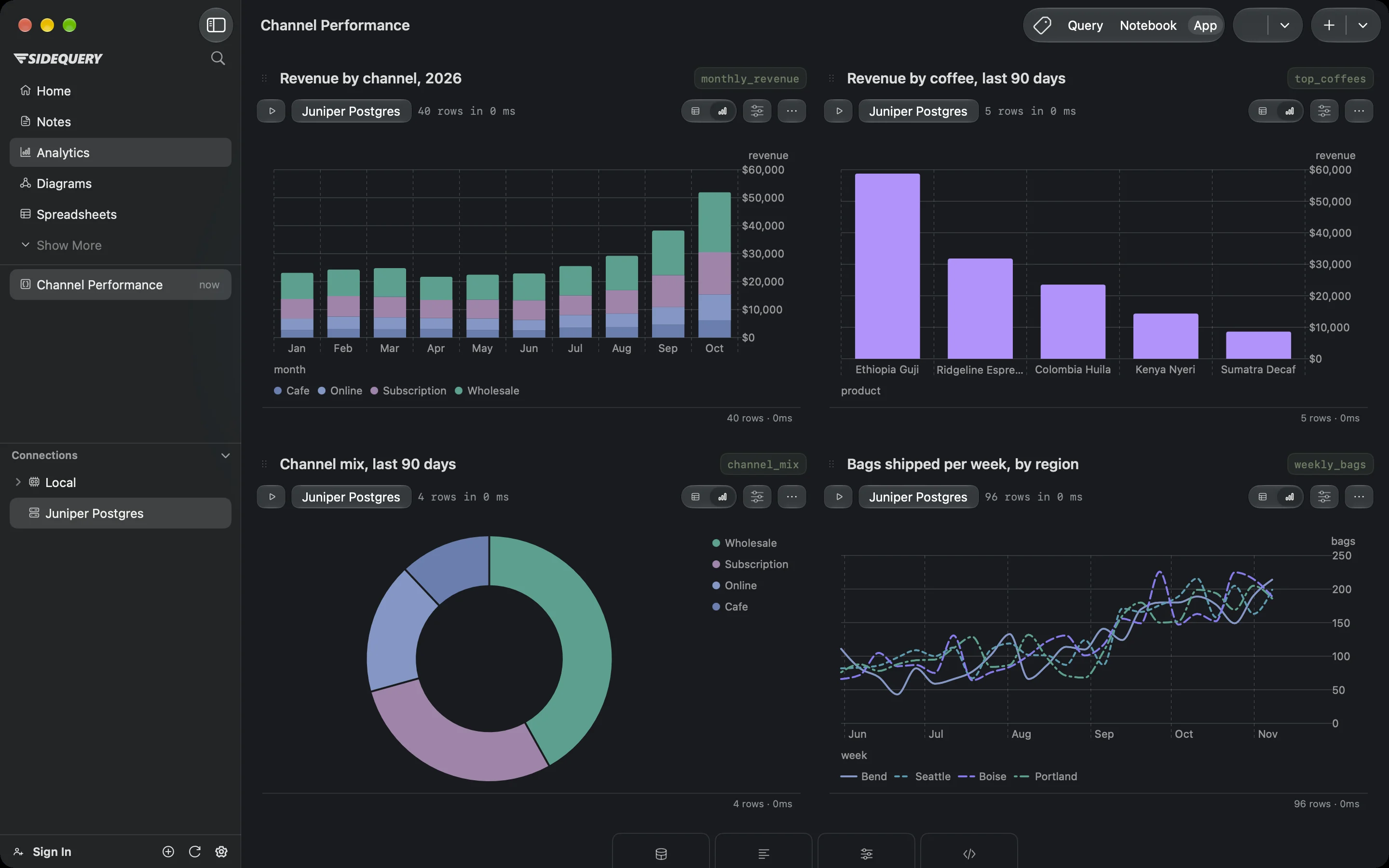
Works with Postgres, Snowflake, BigQuery, SQLite and MotherDuck, plus CSV and Excel files.
Open your spreadsheets and edit them here, formulas included. Changes save automatically.
See a folder of notes as a table. Track clients, projects or your reading list in one view.
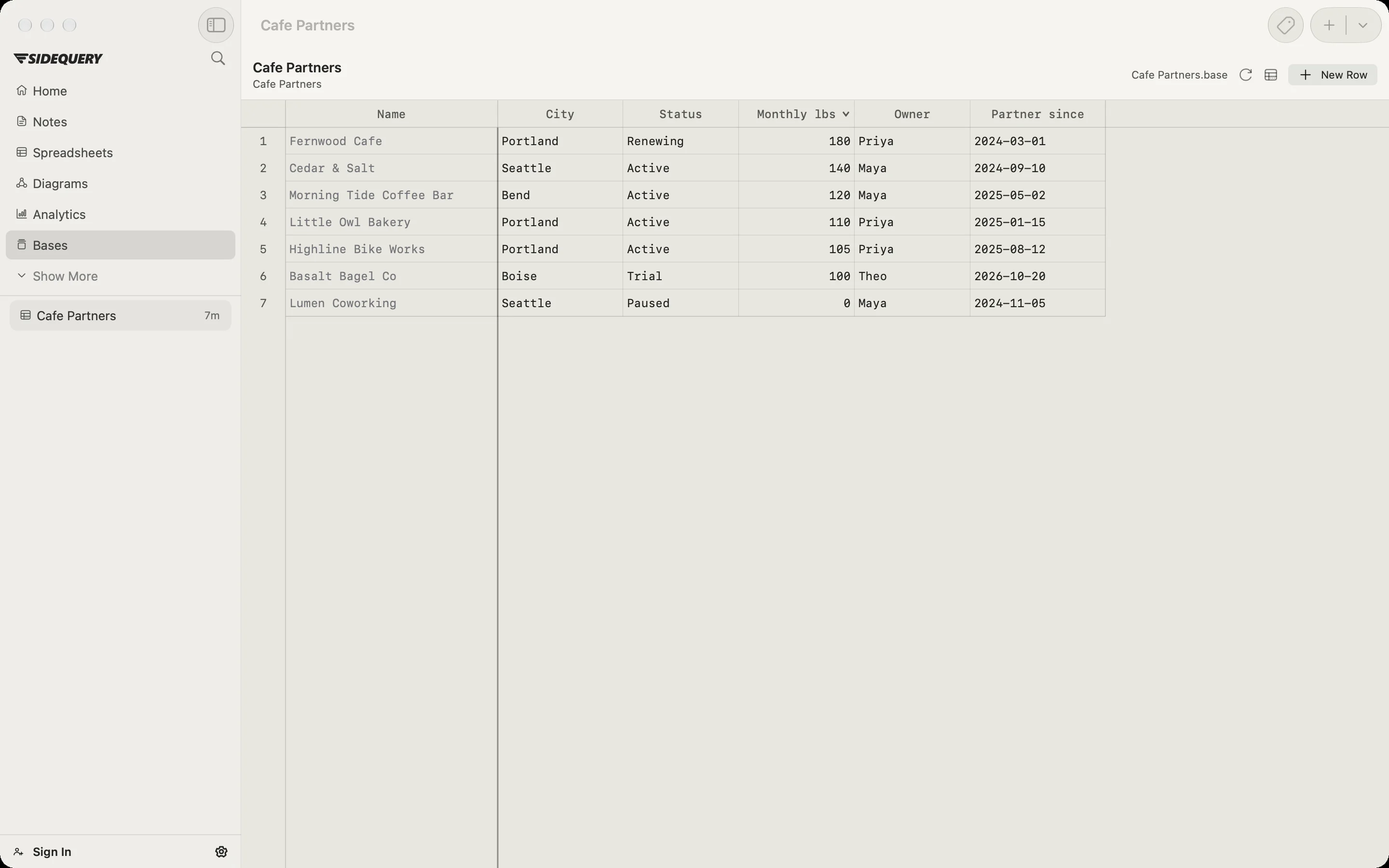
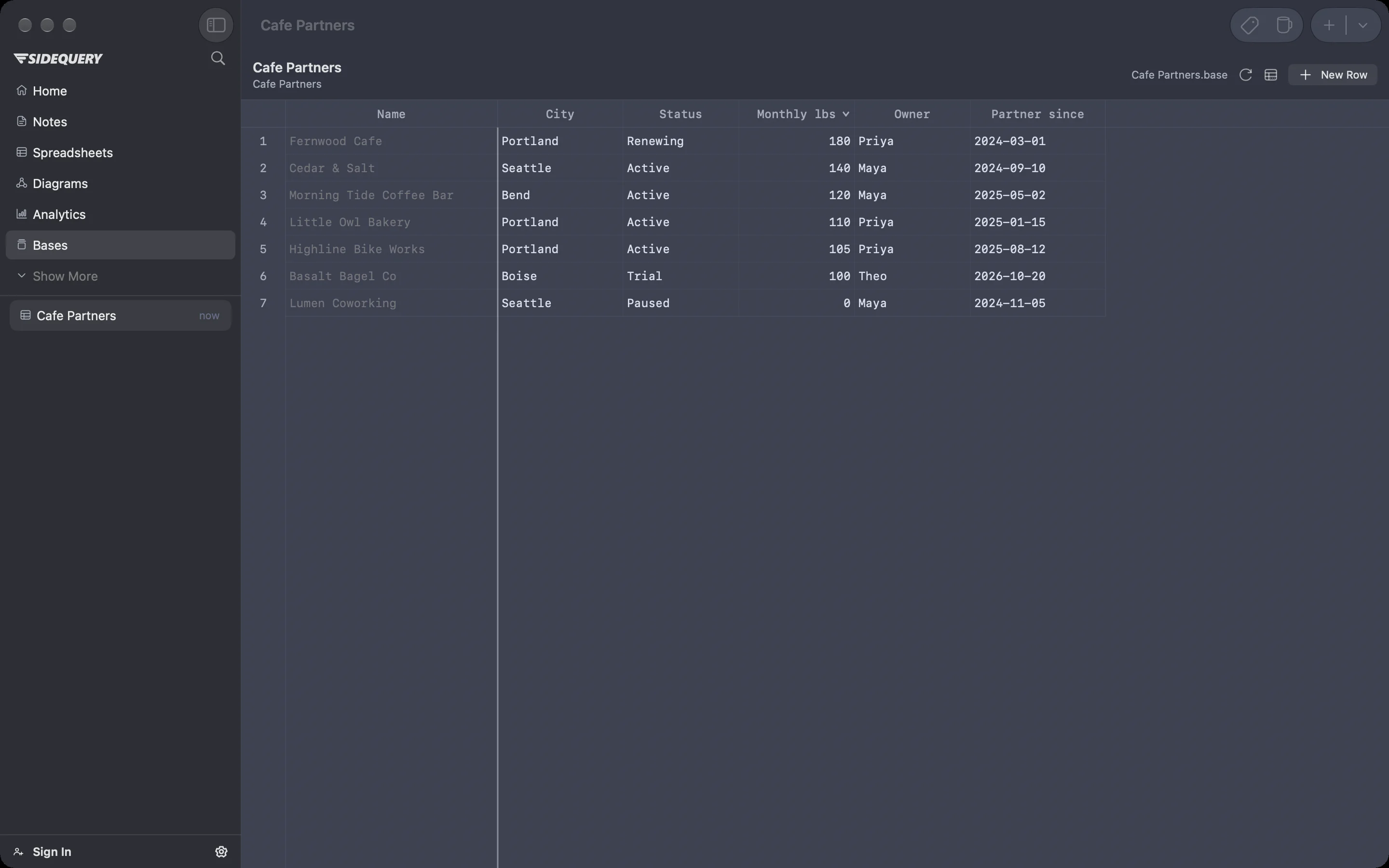
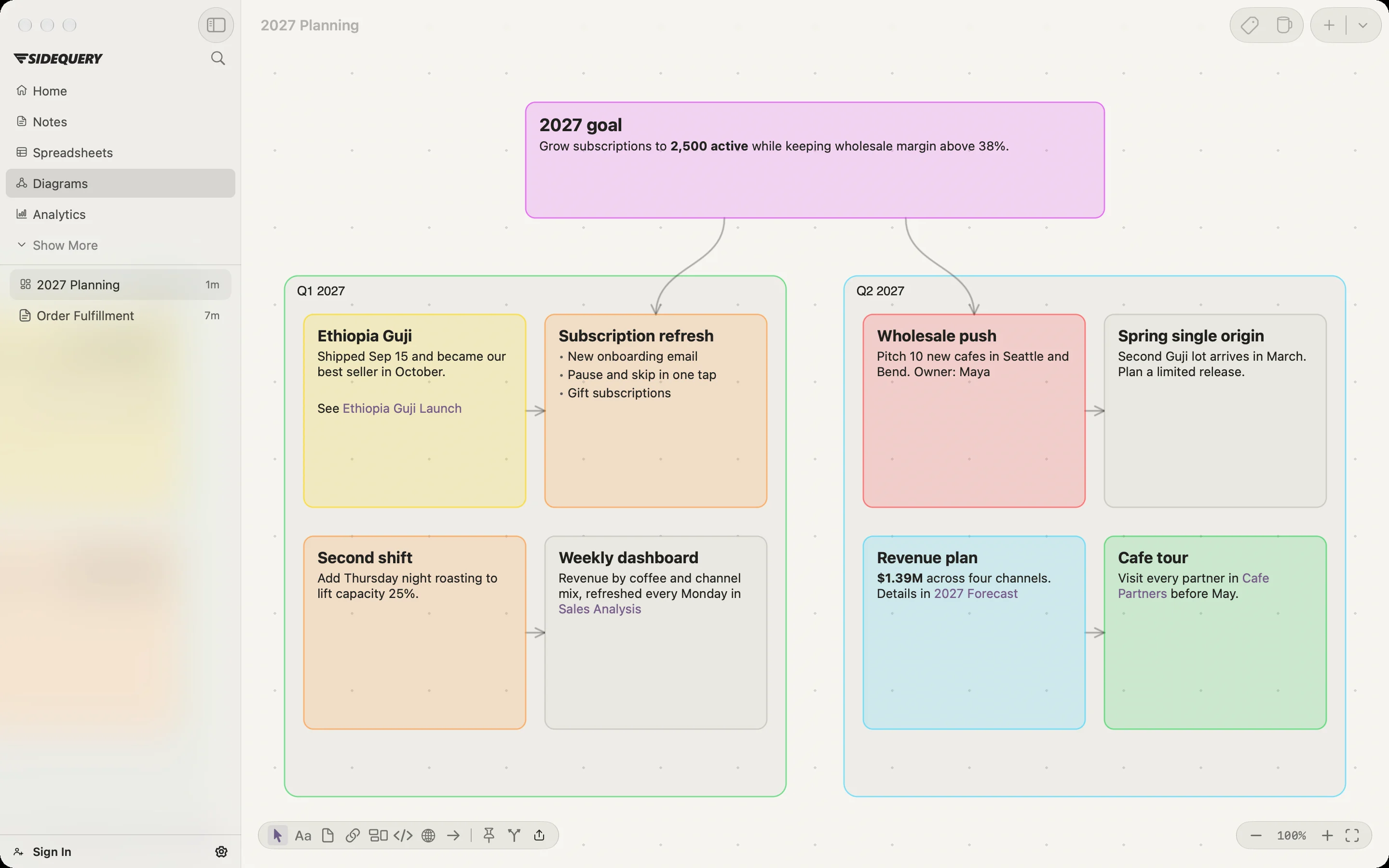
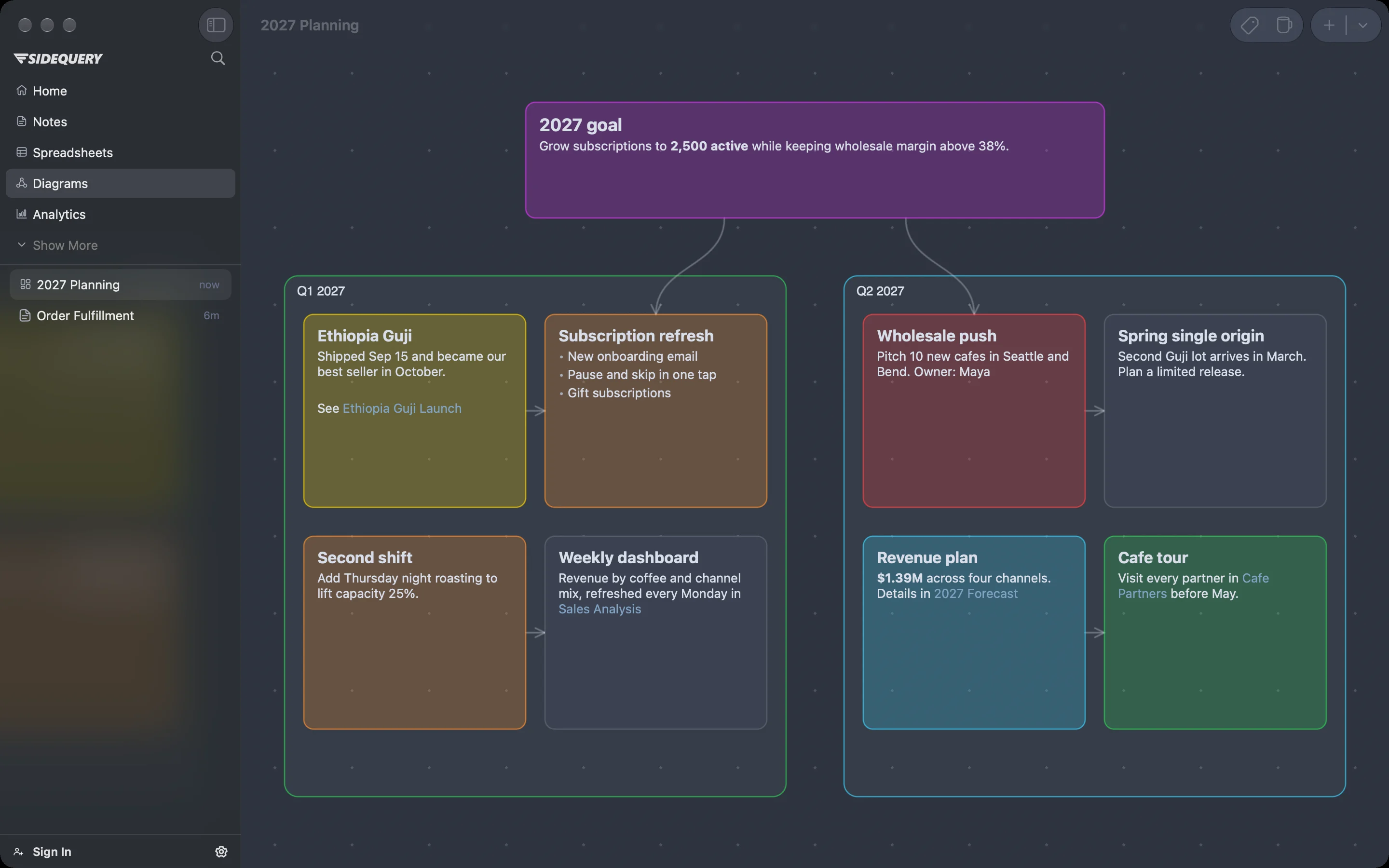
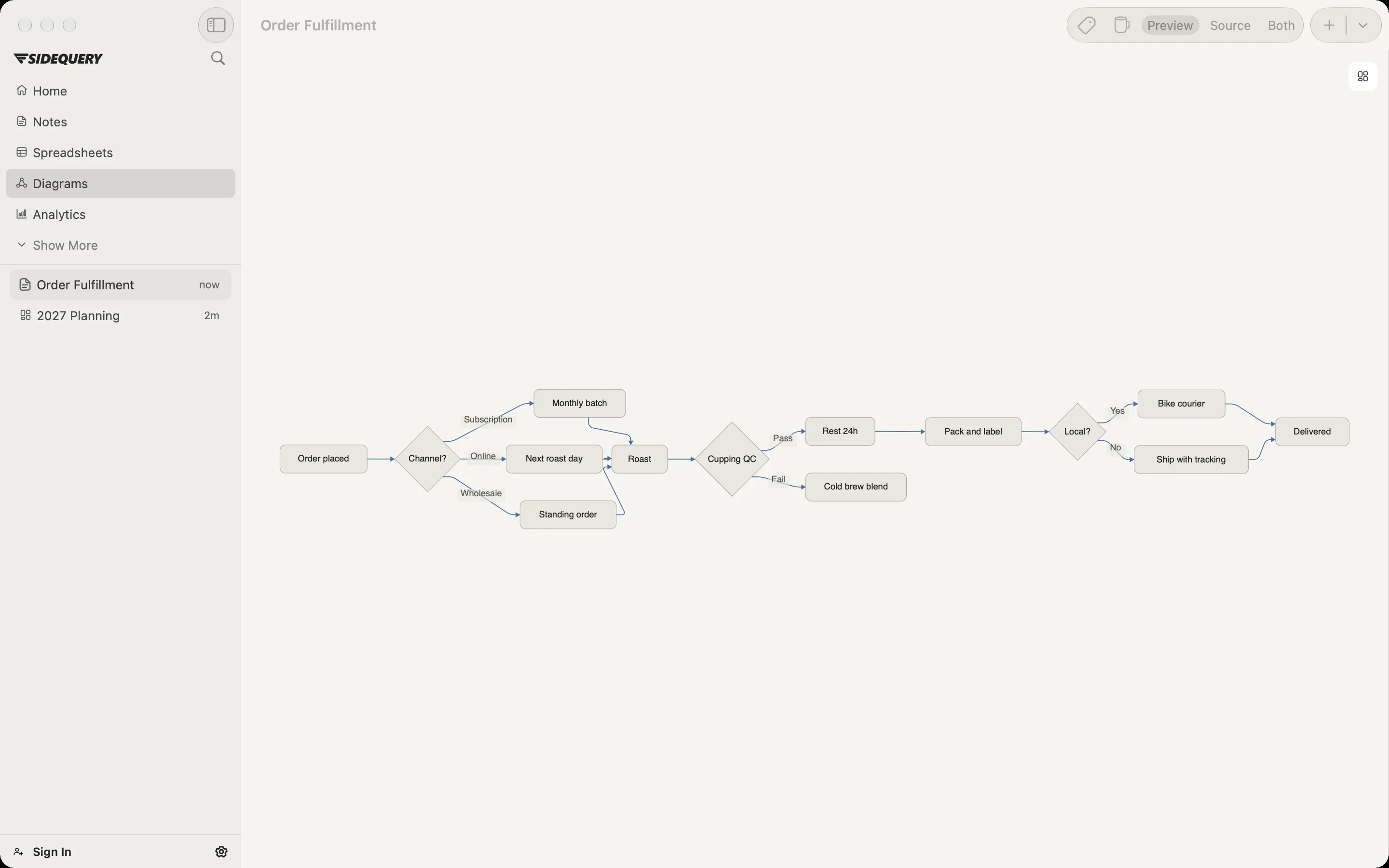
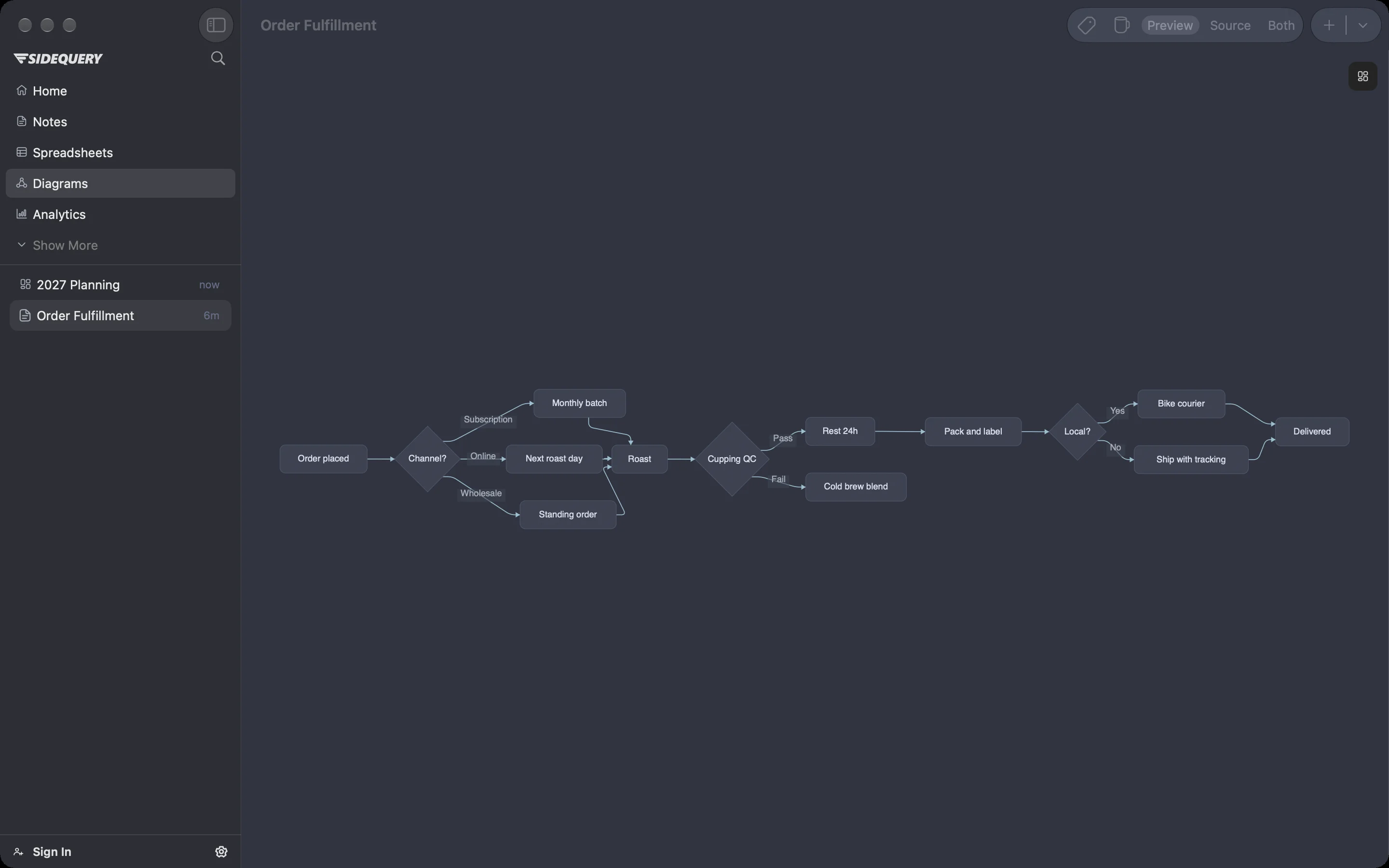
Lay out ideas on a canvas with colored cards and arrows. Draw flowcharts and timelines.
Record a meeting and Sidequery transcribes it on your Mac and writes a summary. The notes are saved with the rest of your work.
Your work stays in a folder you choose.
Tools like Claude Code and Codex can work with your notes.
Put notes on your Home Screen and save things from other apps with the share button.
Import from Notion, Obsidian or Apple Notes.
Notes are saved as Markdown, spreadsheets open as Excel and CSV, and SQL and Python notebooks are included for deeper analysis.
Notes, numbers, plans and meetings, together.
Begin with a note. Add charts, tables and plans when you need them.
Works with Spotlight, Shortcuts and widgets.
Your team can ask questions about your company’s data and get answers in Slack, ChatGPT or Claude.

Download Sidequery and write your first note.
Download for MacRequires macOS 15 or later on a Mac with Apple silicon. iPhone and iPad apps are in beta.